Prompt injection
user input concatenated into system prompts; tools that fetch web pages, emails, files or tickets and feed them back unfenced (indirect injection).
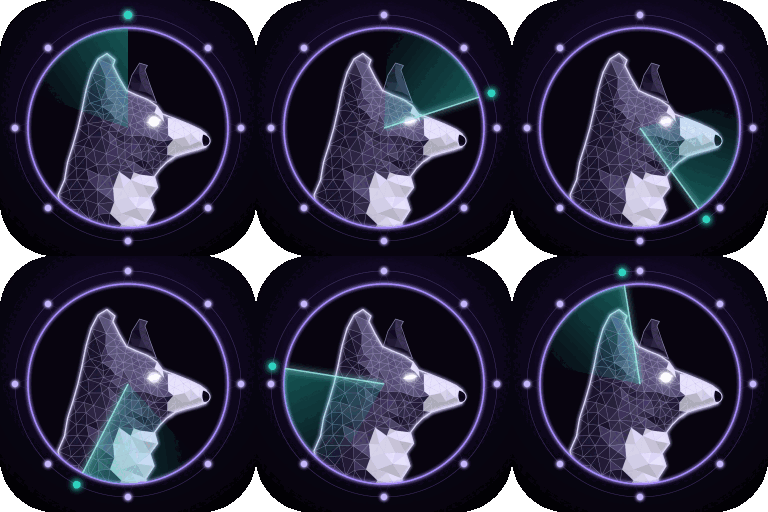
the AI dog. Prompt injection, over-powered agent tools, unsafe model output, RAG leaks and risky MCP config.
ExploitA prompt-injected web page can wipe the server
FixSmallest change suggested
Collie is watching$ /watchdog-go-aiA security lens for LLM apps and agents that stays on all session, plus an on-demand audit.
The always-on lens treats the model as untrusted and flags prompt injection (direct and indirect), over-powered tools, model output reaching shell/SQL/eval/HTML, cross-tenant retrieval, secrets and PII in prompts or logs, risky MCP config, and unbounded agent loops.
user input concatenated into system prompts; tools that fetch web pages, emails, files or tickets and feed them back unfenced (indirect injection).
tools that run shell, write files, send messages, spend money or call internal APIs with no allowlist, no human confirmation and broad credentials.
model output reaching `eval`/`exec`, shell, SQL strings, file paths, or rendered as raw HTML/Markdown (XSS, image-URL exfiltration).
secrets or keys in prompts; RAG retrieval without tenant/ACL filters; PII in prompts, logs or traces; system prompt treated as a secret.
servers with filesystem root `/`, auto-approve on everything, unpinned `@latest` packages, tokens in config.
no max iterations, max tokens, timeouts or rate limits on agent loops.
Runs these scanners when installed, then reads the code they can't understand:
Static audit of an LLM app or agent: prompts, tools, RAG, MCP config and model-output handling
Also runs in these bundles.
Its test target holds a Python support agent (Anthropic SDK, Flask, RAG, MCP config) with 18 planted issues, 2 decoys and an answer key.
Static review only. Never fire payloads at a live model or endpoint.
Never print a secret's value — not keys, tokens or passwords, even weak defaults. Give file:line and the secret type only.
End each review with: what you did not check, and the top risk the user must act on.
Collie is Watchdog's ai dog for Claude Code. It looks for Prompt injection, Excessive agency, Unsafe output handling, Data exposure, MCP and plugins and Cost and loops. Each finding comes with the exact file and line, how it could be abused, and the smallest fix.
Install Watchdog with /plugin marketplace add watchdoglab/watchdog and /plugin install watchdog@watchdog, then run /watchdog-go-ai. Its lens also stays on while you code and flags risky lines as they're written.
When they're installed, Collie runs semgrep, bandit and gitleaks, then reads the code those scanners can't understand. Anything it couldn't check is listed under Not checked in the report.
Yes. Its first rule: Static review only. Never fire payloads at a live model or endpoint. Secrets it finds are reported by location and type only, never printed. Watchdog is free and open source (MIT).